How Life360 Helped Rescue Karena and her Son
![[Blog] Life360 User Story](https://images.ctfassets.net/nywvtjnh7p05/wp_media_31213/2a43de19614f39e9b367c175dc82aef0/Screen-Shot-2018-08-16-at-2.25.17-PM.png?w=1920&fm=webp)
Our users at Life360 often share stories of how they’re using the app – whether it’s about how they are staying connected with their families or have ease-of-mind from monitoring new teenage drivers. The stories of gratitude we receive on a daily basis keeps us working hard to constantly improve our app. We recently connected with one of our users, Karena, who offered to share her own powerful story about how Life360 helped save her and her son after a terrible car accident.
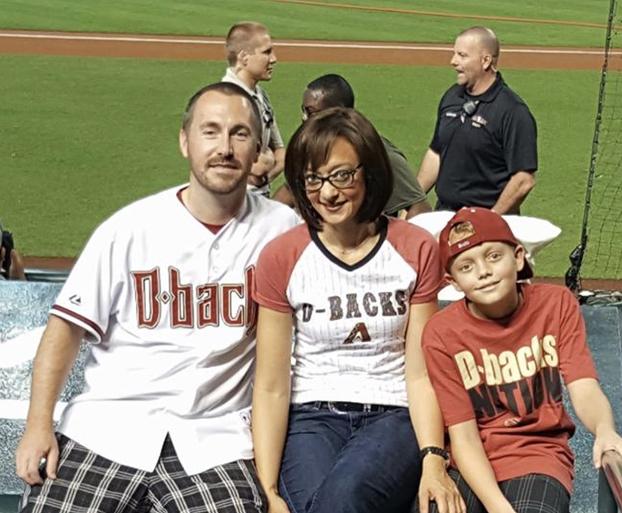
On Saturday, March 31, 2018, Karena and her son were driving to lunch when they were rear-ended by a driver who was texting and driving and rolled past a stop sign. The collision pushed Karena’s car into a curb, causing it to roll over twice and slide about 50 feet down the street – ultimately leaving the vehicle upside down and trapping the two in the car.
Karena, who always keeps her phone in her purse in the backseat as to not be tempted to use it while driving, was unable to reach it and alert her husband and 911. Life360, however, immediately sensed the crash and simultaneously called 911 to dispatch an ambulance and alerted her husband with directions to his family’s exact location. Life360 also notified the other members in Karena’s circle including her in-laws in Portland, Oregon, with whom she is very close.
“This was such a traumatic experience for both me and my son, I’m unbelievably grateful for Life360 being there for us that day, and can’t thank them enough for taking the time to notify all of the people associated with the app.”
![[Blog] WP Image undefinedpost_29996_crash.png](/_next/image?url=https%3A%2F%2Fimages.ctfassets.net%2Fnywvtjnh7p05%2Fwp_media_undefinedpost_29996_crash.png%2F7d4f08501785e7b37fb252ff6e3b338b%2Fcrash.png&w=1920&q=75)
Karena is an office manager in Arizona and often has to travel far distances on a day-to-day basis – she initially downloaded the app to help give her husband peace of mind when she’d travel far, so he knew she was safe and where she needed to be. Now nearly a year later and after the accident, the whole family uses it everyday to stay connected with one another – whether it’s making sure her son gets to and from school safely, or asking her husband to buy extra groceries when she sees he’s at the supermarket.
Karena also uses the app to help monitor her father, who is experiencing health issues:
“I often worry he can’t find his way home, so I’ve added Life360 to my parents phones to help my mother keep track of him, and make sure she knows he’s safe.”
Thank you so much to Karena and her family for sharing this story with us – we’re so thankful you’re okay and that we could be there to keep you and your family safe and connected everyday.