HomepageLife360 logo
MembershipsPet Safety
Get started
image (9)

Location Safety

Effortless daily coordination with advanced location sharing.

image

Driving Safety

24/7 support with crash detection, and more.

Help Center

Find answers and solutions to popular questions.

Privacy Policy

See how Life360 is committed to protecting your privacy.

Life360 + Tile Hero Image
THE NEW TILE TRACKERS
Family-proof your family with Tile.

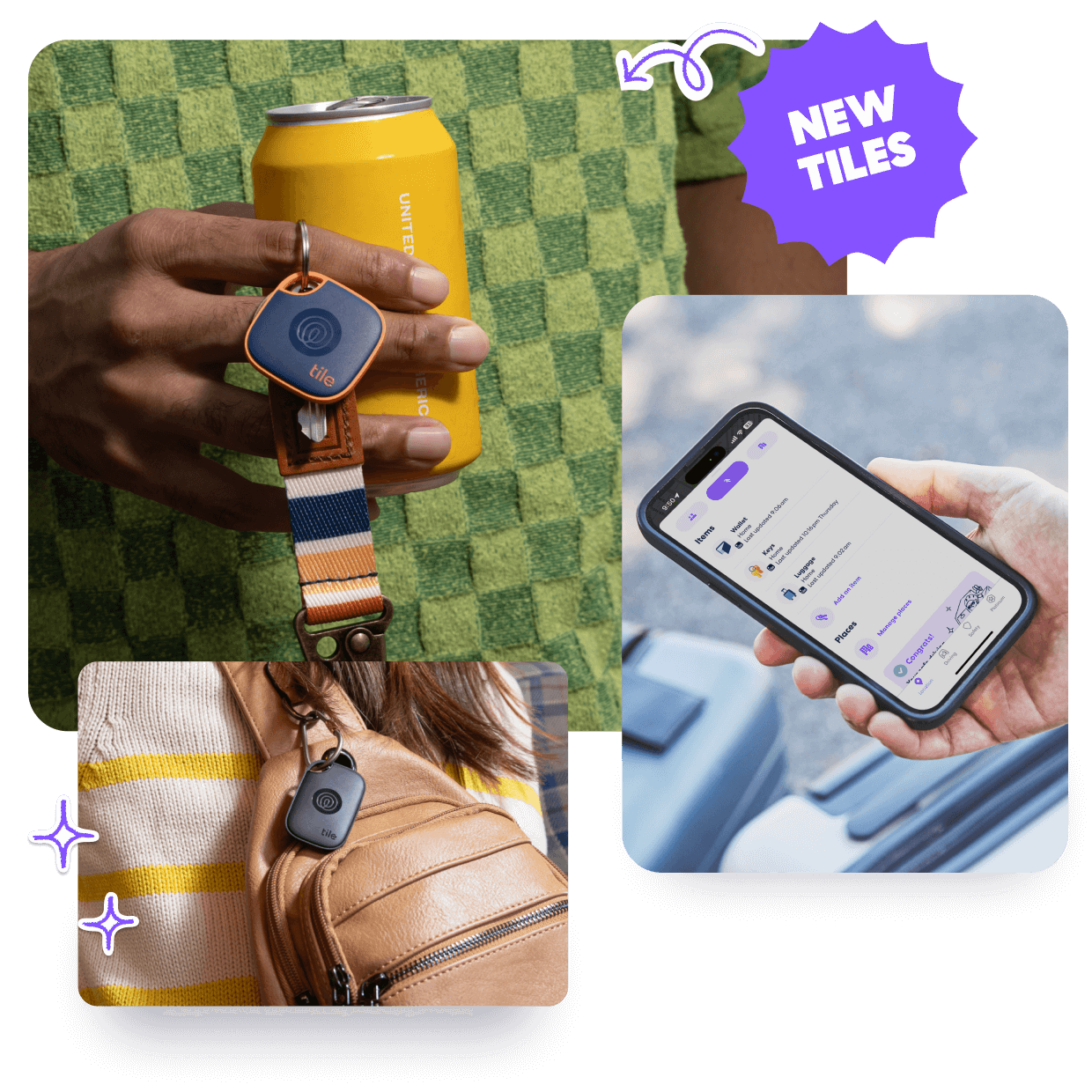
Save your people the drama of lost and stolen stuff with Life360 Tile™ Bluetooth trackers. Our new lineup is ready to empower families with a longer range, louder ring, and new SOS button.

Attach Tiles to everyday things like bikes, keys, sports bags, and more. Send an SOS alert in emergency situations. Link your Life360 and Tile accounts to see everyone and everything that matters in one place — your Life360 map.

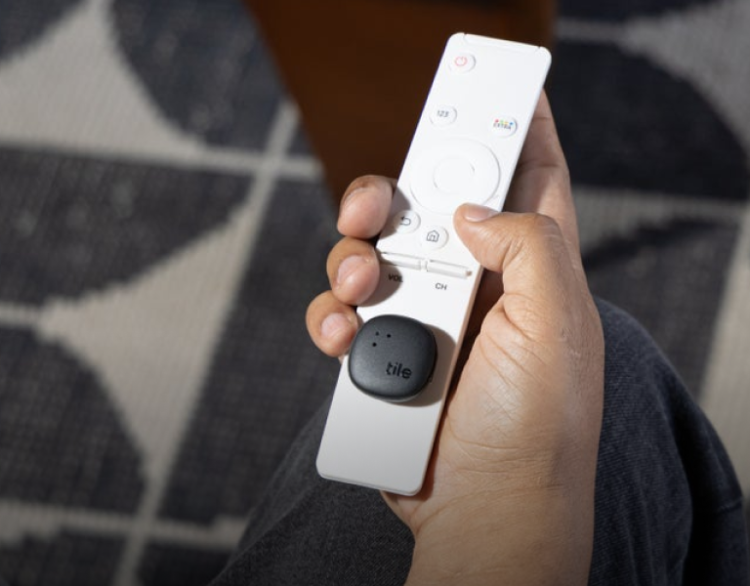
Use-case-01-750x586

Track your remote

Tile Sticker

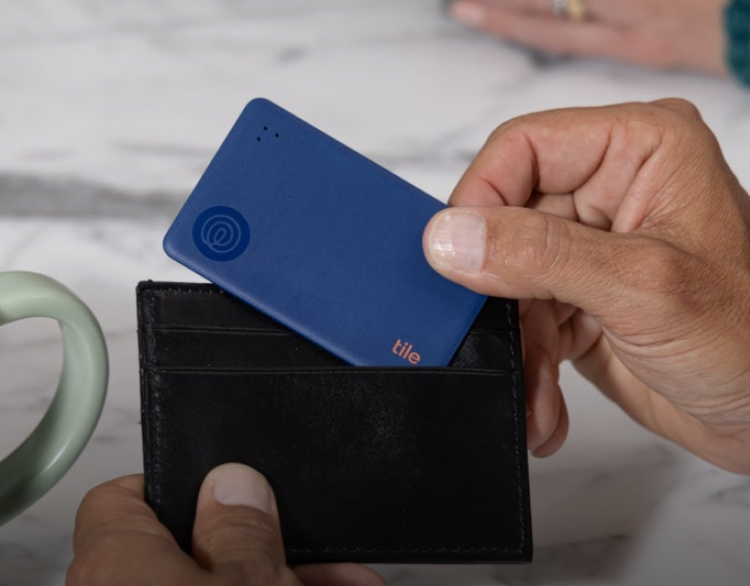
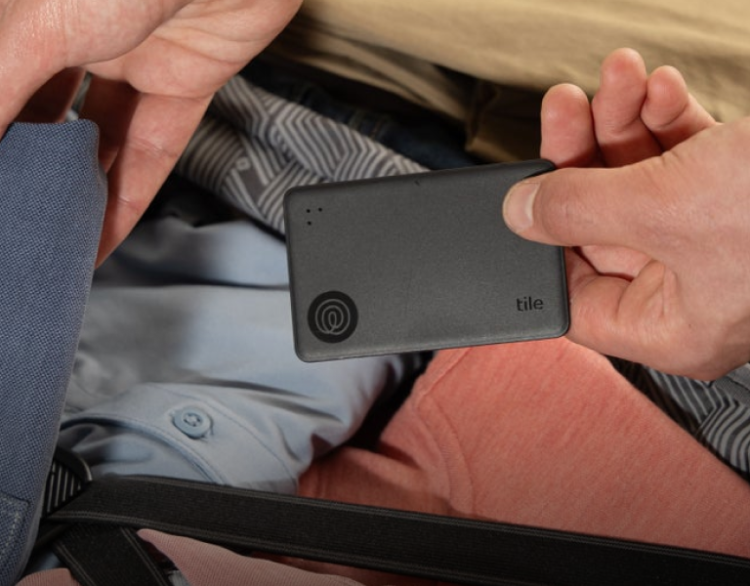
Use-case-02-750x586

Track your wallet

Tile Slim

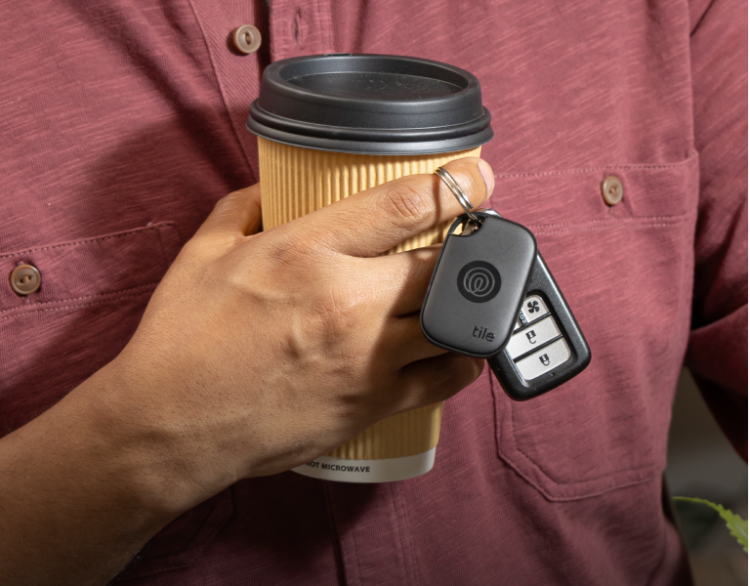
Use-case-03-750x586

Track your keys

Tile Pro

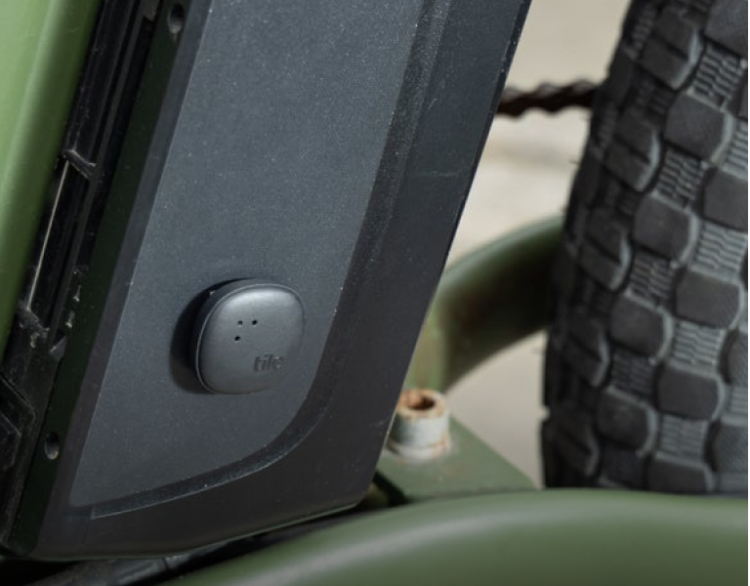
Use-case-04-750x586

Track your bike

Tile Sticker

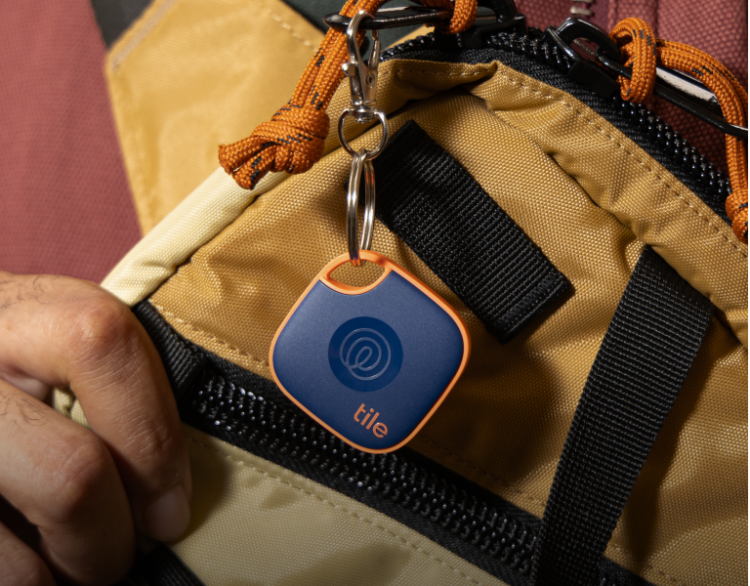
Use-case-05-750x586

Track your backpack

Tile Mate

Use-case-06-750x586

Track your luggage

Tile Slim

Use-case-07-750x586

Track your headphones

Tile Sticker

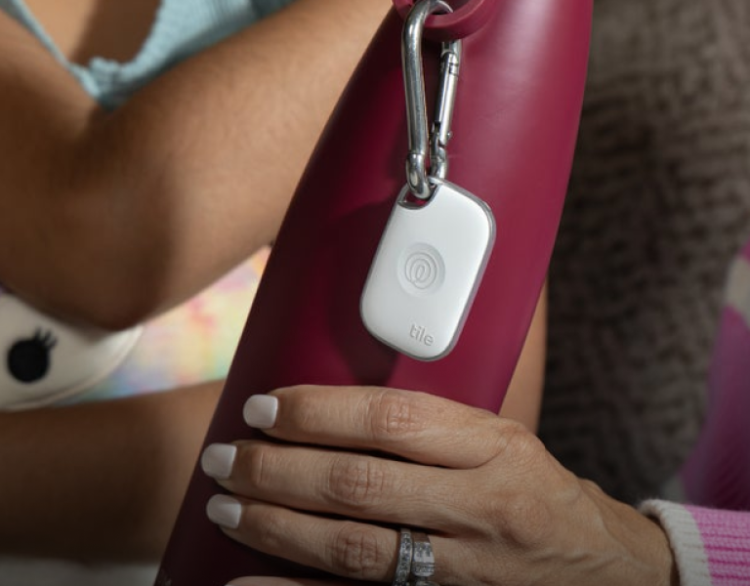
Use-case-08-750x586

Track your water bottle

Tile Pro

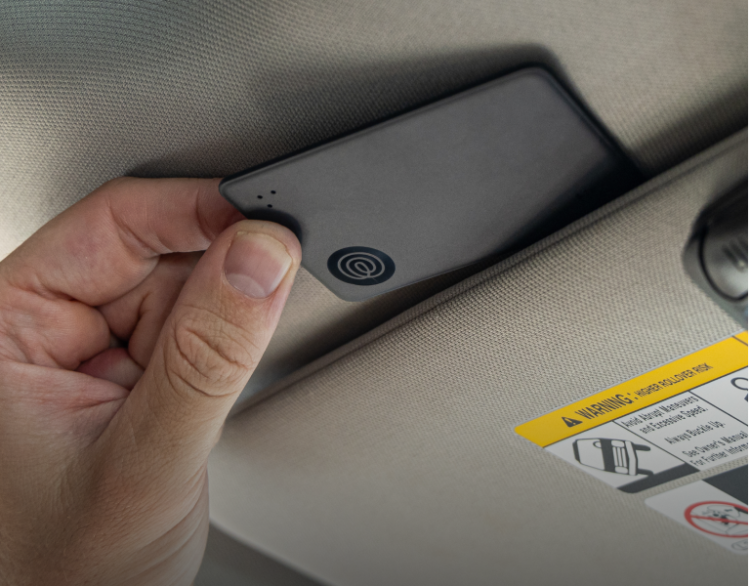
Use-case-09-750x586

Track your car

Tile Slim

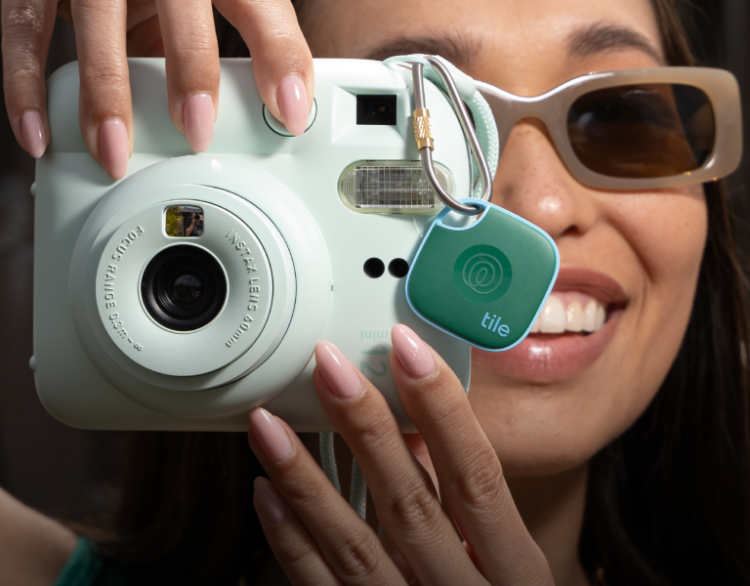
Use-case-10-750x586

Track your camera

Tile Mate

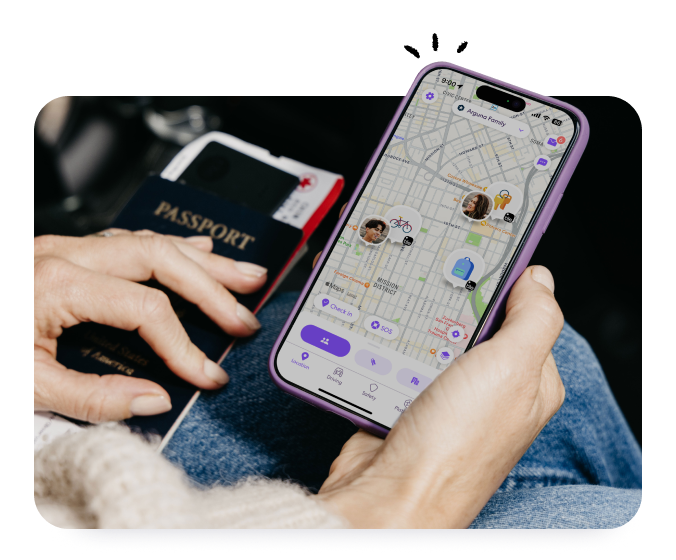
Person holding a passport and their phone with Life360
SHARE WITH YOUR CIRCLE
Call off the search.

Because everything (and everyone) is in one place — your Life360 map. When you link your Life360 and Tile accounts, your whole Circle can see your Tiles and quickly find lost things.

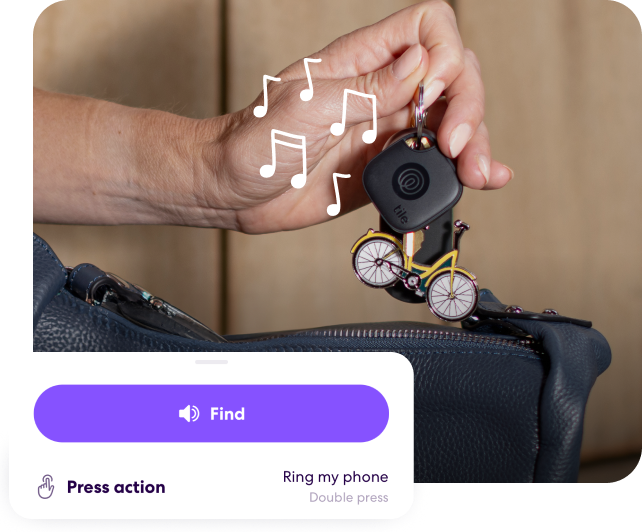
Tile Mate ringing on keys
FIND YOUR THINGS
Put a ring on it.

Keys in the couch cushions? Wallet in the… fridge? Use your phone to ring nearby Tiles — and use your Tiles to ring your phone — even if it’s silenced.

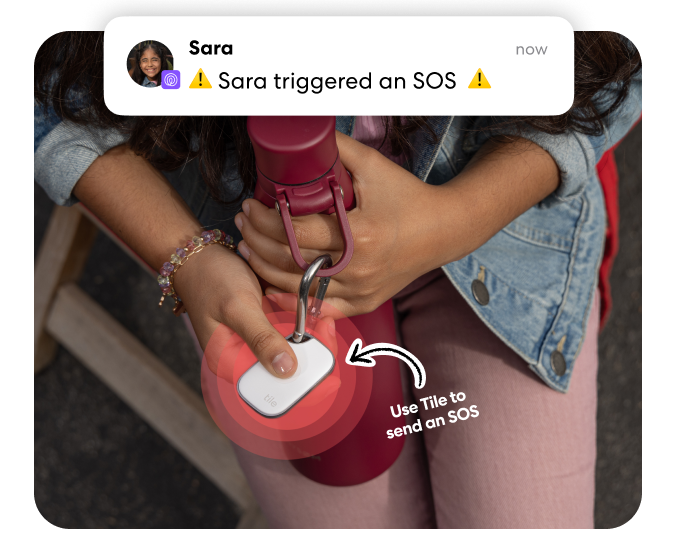
Person triggering an SOS alert by pressing a Tile Pro
STAY SAFE WITH SOS
Take a Tile with you.

Can’t reach your phone in an emergency? Now you can use Tile to send an SOS alert to your Life360 Circle in unsafe situations. Take your Tile on runs, solo errands, roadtrips — you name it. Feel better knowing your Circle is just three presses away.*

*Tile must be within Bluetooth range of your phone and connected to the Life360 app.

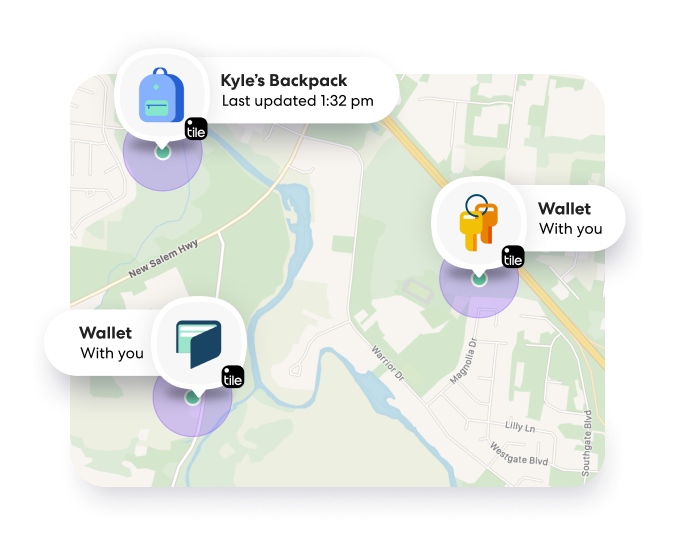
Tiles on Life360 Map
RECOVER LOST STUFF
Retrace your steps.

If your Tile is lost, check the map to see the last time it was with you — or, get an update on its most recent or last updated location.

Membership plans built for modern life.

Pick your perfect plan and enjoy features the whole family will love.

Free

Membership Benefits

  • See Tiles on your Life360 map

  • 2 days Location History

  • 2 Place Alerts

  • Family Driving Summary

and more…

Silver

All Free plus:

  • 7 days Location History

  • 5 Place Alerts

  • Family Driving Summary

  • Crash Detection

...and more

Perfect for families

Gold

All Silver, plus:

  • 30 days of Location History

  • Unlimited Place Alerts

  • Individual Driver Reports

  • Crash Detection

  • SOS Help Alerts

...and more

Download now
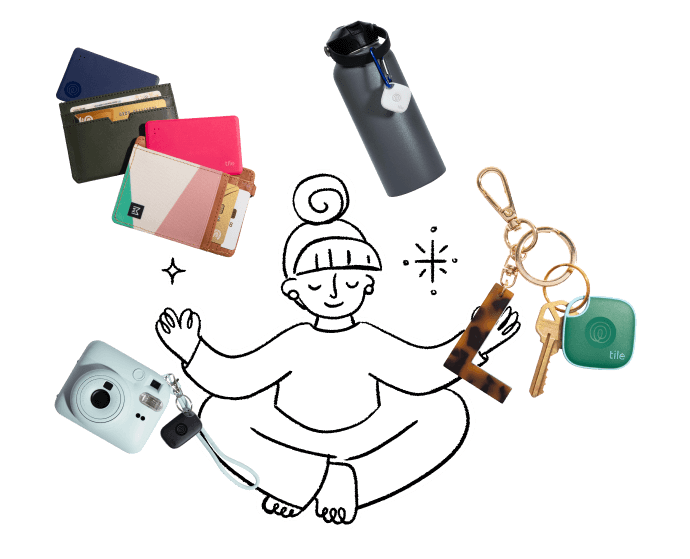
Illustrated person with everything around them attached to Tile trackers
PRIVACY AND SECURITY
Your trust comes first.

A big part of that is doing the right thing when no one’s watching. That means maintaining our commitment to investing in features that enhance your finding experience while staying focused on your safety, security, and privacy. That includes bringing to life features like our new Tile SOS button that allows you to notify your Circle in unsafe situations.

Get started right here, right now.

See everyone and everything you love in one place — in just a few steps.

step1nl

Not a Life360 member? Get the app!

step2nl

Activate your Tiles in the Tile app

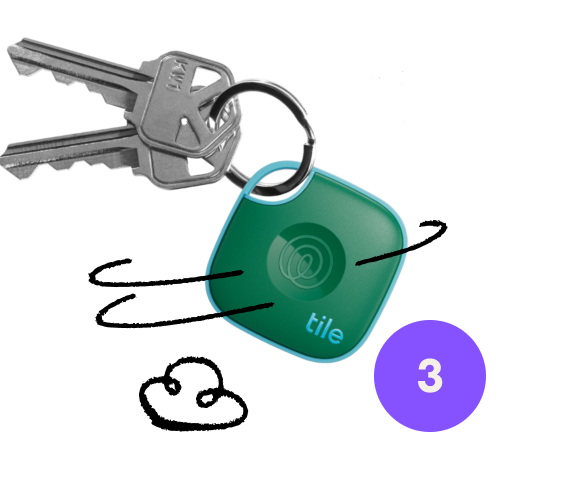
step3nl

Link your Life360 and Tile accounts in the Life360 app
Step-4-min

Find your Tiles on your Life360 map

  1. Home>
  2. Tile

By entering my email and clicking submit I agree to receive Life360 emails with exclusive updates, offers, and personalized messages (e.g. cart reminders). I have read and agree to the Life360 Terms of Service and acknowledge the Privacy Policy.

Download the app

Download on the App StoreDownload on Play Store

Company

AboutCareersPartner with UsCorporate SalesPressInvestor RelationsTrust & SafetySustainabilityLearnEnterprise Tracking Partnership

Support

Help CenterActivate a Tile TrackerBlogMember ProtectionOrder StatusShippingWarranty & Refund PolicyReport a Security Vulnerability

Legal

Terms of ServicePrivacy PolicyLaw Enforcement GuidelinesReseller PolicyUS UPPCanada UPPDeclaration of ConformityPrivacy Options icon
  • Twitter Opens in a new tab
  • YouTube Opens in a new tab
  • Facebook Opens in a new tab
  • Instagram Opens in a new tab
  • LinkedIn Opens in a new tab