How to Find a Lost Amazon Fire Stick
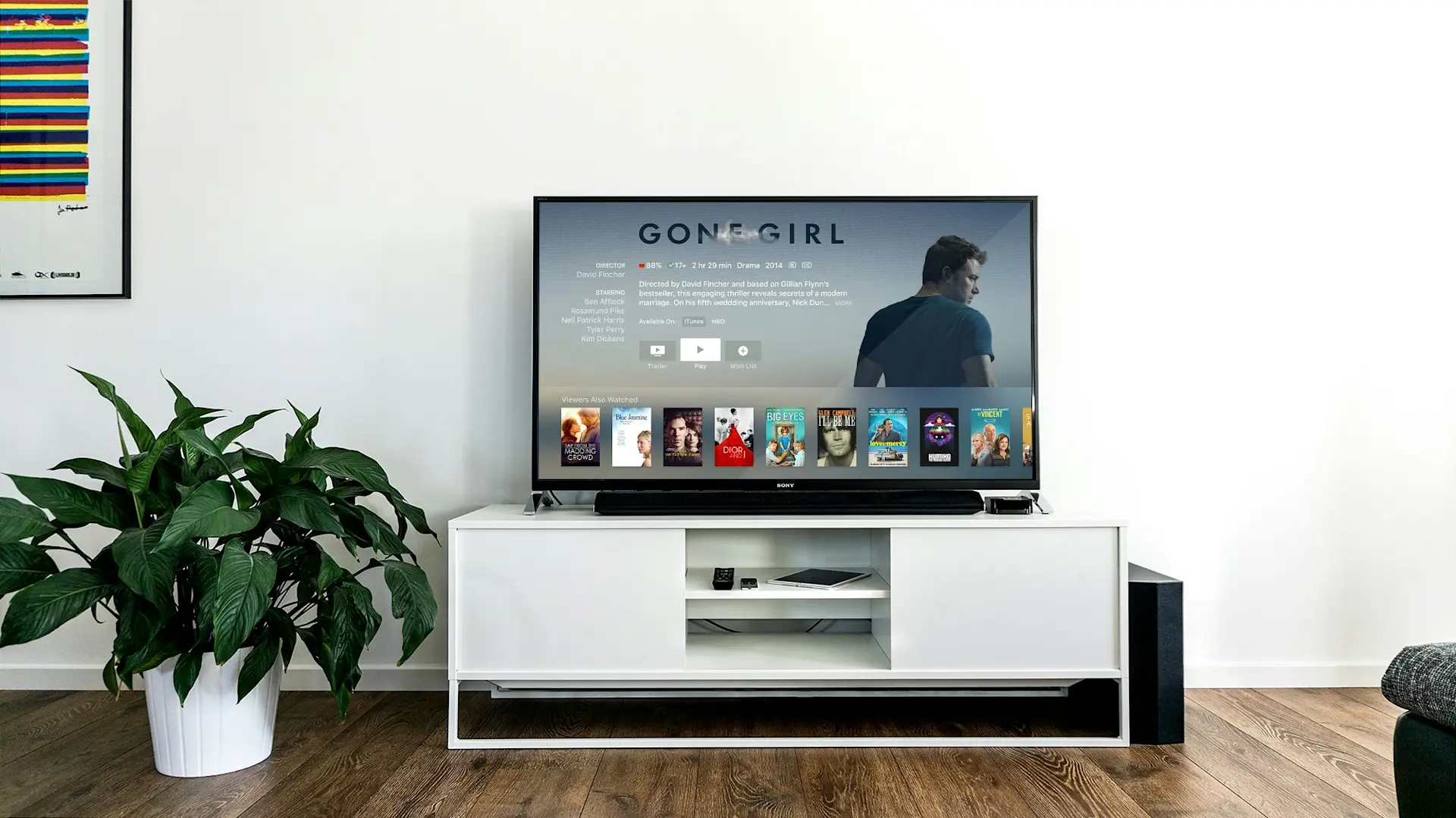
Have you ever settled into your comfy couch, popcorn in hand, ready to dive into your favorite Amazon Prime series, only to find that your Amazon Fire Stick remote has vanished? If you’ve ever used an Amazon Fire Stick, you know how easily its remote can slip through the cracks of your living room setup.
But don’t panic! Because finding your lost Fire Stick remote is more manageable than it seems. This blog will guide you through different ways to recover your remote and return to your binge-watching session in no time.
4 Tips for Finding Your Lost Fire TV Stick Remote
Losing your Amazon Fire TV Stick remote can feel frustrating, but with the right approach, you can locate it without turning your house upside down. From traditional search methods to leveraging modern technology, here are some proven ways to find your missing Fire Stick.
1. Retracing Your Steps
The first step in any search for a lost item is to retrace your steps. Think back to the last time you used your Amazon Fire Stick remote.
Did you switch rooms?
Did it get buried under magazines or cushions?
Sometimes, simply searching the area starting from your usual spot can uncover where it's hidden.
Also Read: Tile Sticker is the Best Remote Control Finder You'll Ever Try
2. Leveraging Bluetooth Trackers
For those who frequently misplace their remotes, investing in a Bluetooth tracker, such as a Tile Sticker, can be a game-changer. These small adhesive devices can be attached to the back of your Fire Stick remote. Once in place, the Life360 app on your smartphone can help you track down the remote by playing a loud tune, provided it’s within Bluetooth range. This technology not only saves time but also adds a layer of convenience to managing your devices.
3. Utilizing Alexa Technology
If you have an Echo or any other Alexa-enabled device at home, you can use voice commands to find your lost Fire Stick remote. Simply say, “Alexa, find my remote,” if your remote is within earshot, this could prompt a response or action that helps reveal its location. While this method relies on setting up specific skills or compatible devices in advance, it showcases the power of integrating smart home technology for practical solutions.
4. Checking Hiding Spots
Sometimes, the most straightforward methods are the most effective. Check all the common hiding spots where remotes tend to get lost. Look under sofas, chairs, and cushions. Don’t forget to check other rooms, as it’s not uncommon for remotes to travel with you and get left behind. Other notorious hiding spots include kitchen counters, bathroom shelves, and even the refrigerator (it happens more often than you’d think!).
What to Do If You’ve Lost Your Fire Stick
If you've searched high and low for your Amazon Fire Stick remote without success, it might be time to consider a replacement. However, before purchasing a new one, the Amazon Fire TV app can be used as a temporary remote. Available for both iOS and Android devices, the app offers full remote functionalities, allowing you to navigate through your Fire Stick with ease.
Also Read: 8 Tips to Find Something You've Lost
Tile: The Ultimate Solution to Lost Remotes
While losing your Fire Stick remote can be annoying, modern solutions like the Tile Sticker offer a straightforward and efficient way to ensure your remote never stays lost for long. Attaching a Tile Sticker to your remote saves precious time and avoids the frustration of a prolonged search.
Are you interested in securing your remote and other easily misplaced items? Invest in a Tile Sticker today and enjoy knowing your belongings are just a click away from being found.