How to Find a Lost Nintendo Switch
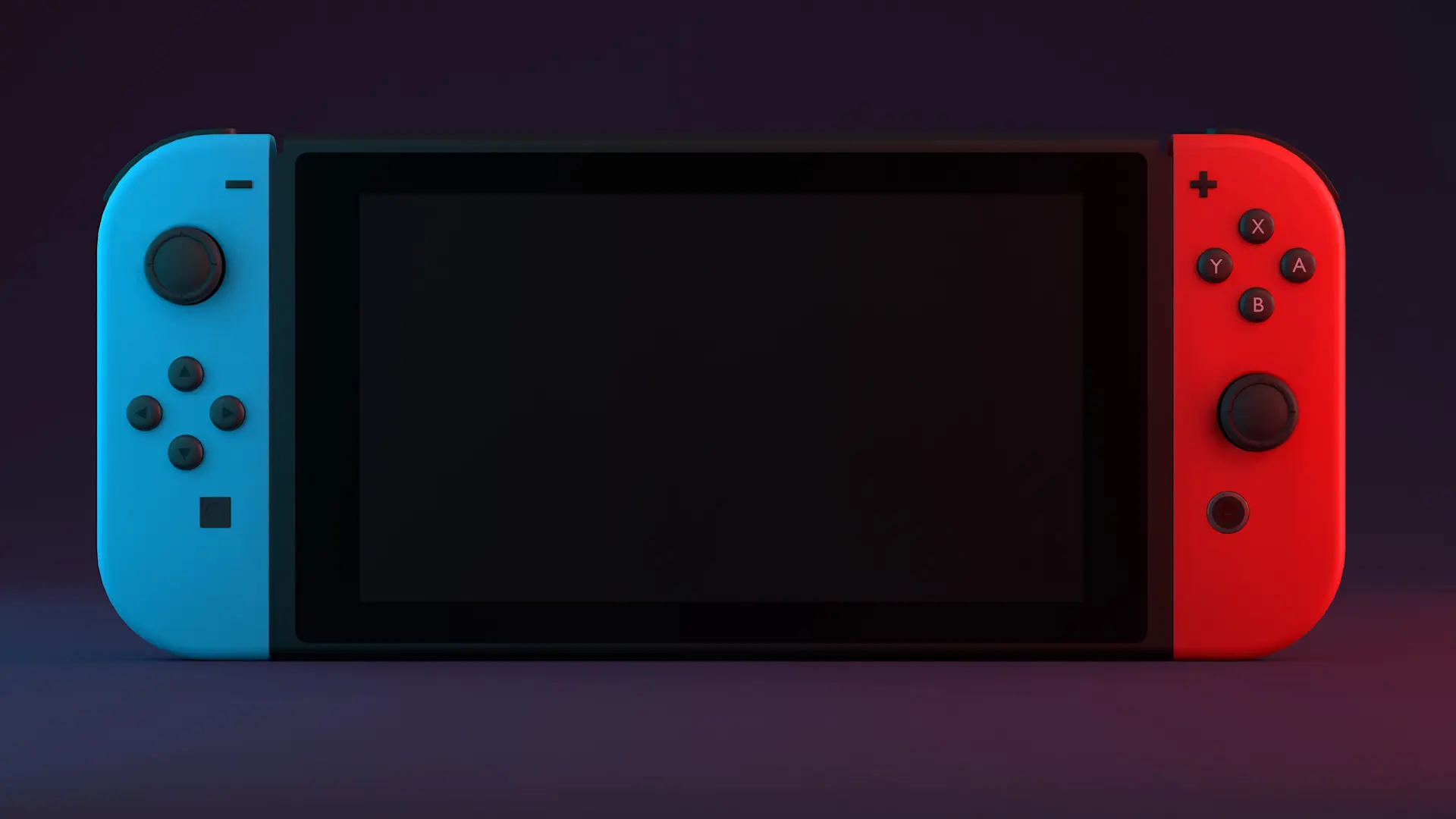
As parents, we often misplace items like our keys, wallets, or phones. However, kids are also notorious for misplacing items, including the Nintendo Switch they got for their birthday or Christmas last year.
While it may turn up in the typical spot your kids lose things, what do you do if it's hiding in a more hard-to-find place?
It can be challenging without a Bluetooth tracker like a Tile tracker, so we compiled a list of five tactics you can use to try and locate the missing device.
5 Ways to Find a Lost Nintendo Switch
Unlike commonly lost items, a lost Nintendo Switch is a little bigger and should be easier to track down — although that isn't always the case. If you're struggling to find your child's lost switch, try one of the following strategies.
1. Using a Tile Bluetooth Tracker
Utilizing a Bluetooth tracking device is the easiest and quickest way to locate a lost Nintendo Switch. These trackers allow you to quickly open the app and identify which area of the house the lost switch is in. From there, you can find the missing device within seconds.
2. Retracing Your or Your Child's Steps
If you don't have a tracker on the device, the next best option is to speak with your child about where they remember playing last. It's common for kids to forget where they put items, and having them retrace their steps or walk you through their day can shed some light on where a missing item might be.
3. Checking the Usual Places
If you've spoken with your child and retraced both steps but still can't find the lost Nintendo Switch, it might be time to check the usual places. Electronics are notorious for finding their way inside the couch, under a bed, or back in the car after a long trip.
4. Checking the Unusual Places
For the Nintendo Switches that prefer a cozy hiding spot, you should get creative on where you search. Kids are incredibly creative and find unique places to put items daily, so checking the sock drawer, closet, or fridge might be a good idea.
5. Giving it Time to Reappear
If all else fails, simply giving the device time to reappear could be the best strategy. Whether your kids have a perfect hiding spot for the device or little magical creatures took it to play for a couple of days, allowing it to reappear on its own is often the only option left.
What to Do if You Cannot Find Your Nintendo Switch
Unfortunately, the Nintendo Switch doesn't have a built-in tracking system that makes it possible to locate through an app. Without the help of a third-party Bluetooth tracking device, locating the system can be near impossible if it's truly gone. You can try to reach out to the Nintendo support team and provide your serial number to see if they can pinpoint the device's location.
Never Lose Your Switch Again with Tile's Electronics Tracker
A Tile Bluetooth tracker is the perfect option for keeping an eye on your child's Nintendo Switch. With a robust app and tracking display, you can tap the Find
button on the Life360 app, and the device will make a beeping sound. Try the Tile Tracker and never lose your Nintendo Switch again.